Get the latest on AI, LLMs & developer tools
New MCP servers, model updates, and guides like this one — delivered weekly.
The Short Answer
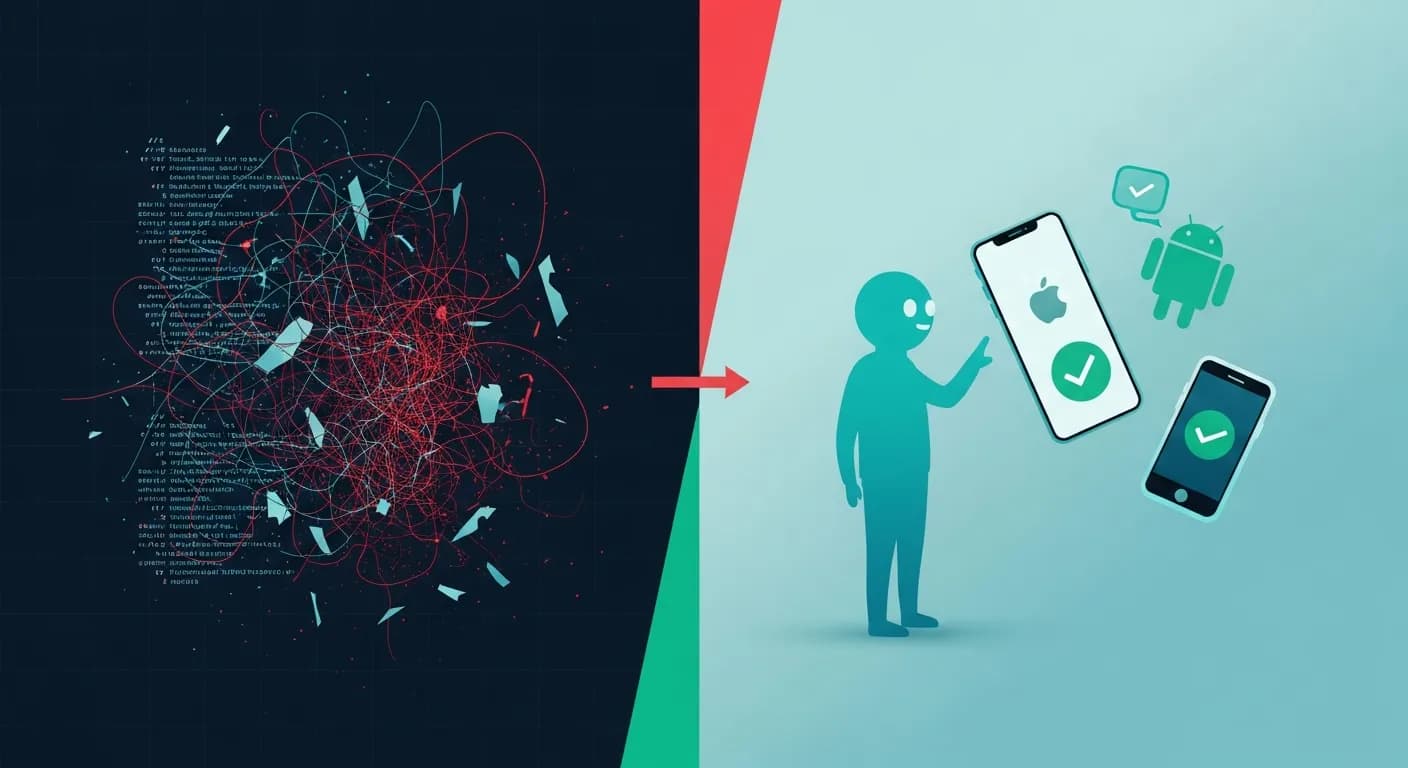
You can test an iOS or Android app in plain English by pointing an MCP QA agent at a running simulator or emulator, while keeping a small deterministic suite as your CI gate. You describe what to check; the agent reads the screen, taps through the flow, and reports back. There are no selectors to maintain because there are no selectors.
Two options stand out as of 2026. Watchr is a packaged MCP server that turns Claude Code into a QA agent for iOS, Android, and web, with built-in audits and reports; our deep dive covers its setup and tools. mobile-mcp from Mobile Next is an open-source automation server that drives iOS and Android from an agent and leaves the workflow to you. This guide is not about either tool in depth. It is about the migration: why your current suite hurts, what changes, and what you should refuse to give up.
Why Mobile Test Automation Hurts
Mobile UI testing has always carried a tax. The incumbent frameworks are capable, but they tie your tests to the structure of the screen, and screens change constantly.
| Framework | Platform | Where it gets brittle |
|---|---|---|
| Appium | iOS + Android | WebDriver selectors — accessibility IDs and XPath — that break the moment a designer moves a button. Every command makes a round trip to a server, so suites run slow and time out. |
| XCUITest | iOS only | Swift tests bound to accessibility identifiers. You recompile to run them, and the implicit waits flake whenever the simulator is busy or an animation runs long. |
| Espresso | Android only | View matchers plus idling resources you wire up by hand to fight synchronization. Powerful, but the boilerplate grows faster than the app does. |
The deeper cost is duplication. To cover both platforms you either write the same flow twice in two native frameworks, or you build an Appium abstraction that papers over the differences and becomes its own thing to maintain. Then the redesign lands, a dozen accessibility IDs change, and a third of your suite goes red for reasons that have nothing to do with a real bug. That is the loop a lot of mobile teams are tired of.
How the Agent Approach Works
The setup has three parts, and none of them is a selector.
An MCP QA server. This is the bridge. It exposes mobile actions — tap, swipe, type, read the screen, capture logs — as tools an agent can call over the Model Context Protocol. Watchr and mobile-mcp both fill this role.
A running simulator or emulator. The agent needs something to drive. A booted iOS simulator or Android emulator is enough to start; mobile-mcp can also attach to real devices when you need real hardware. The server reads the screen through the accessibility tree where it can and falls back to screenshots where it cannot, so it works whether or not your views expose clean labels.
Plain-English prompts. You write the intent, not the steps. “Sign in, add an item to the cart, and confirm the badge count updates” is a test. The agent figures out which elements to touch and in what order. If the layout shifts next sprint, the same sentence still runs, which is the whole point. This is the same pattern behind our general QA workflow with Claude Code, applied to a phone instead of a browser.
A Worked Example
Say a tester files: “login hangs on Android after I tap Continue.” Normally you would write or hunt for a script to reproduce it. Instead, point the agent at the emulator and describe the report.
On the Android emulator, open the app and go to Sign in.
Enter [email protected] with the password hunter2 and tap Continue.
Tell me exactly what happens after the tap.
Capture any console errors and failed network requests,
and screenshot the screen where it breaks.
The agent boots into the flow, enters the credentials, taps Continue, and watches. It comes back with the concrete detail you needed: the Continue button stays in its loading state, the call to /auth/login returns a 500, the console logs a timeout, and here is the screenshot of the stuck screen. You did not write a selector for the button or the network panel. You described a bug and got a reproduction.
Then check whether iOS shares the problem, which is the cross-platform duplication you usually pay for in a second framework.
Now run the same sign-in flow on the iOS simulator.
Does it behave the same way? If the Continue button hangs,
report which request was slow and how long it took.
Same intent, second platform, no second test file. The agent reports that iOS recovers after a slow retry while Android hangs, and now you have a triaged, platform-specific bug in a few minutes. The agent-native QA idea is exactly this: the test is a goal, not a recorded sequence of taps.
What You Gain, What You Give Up
Be honest with yourself about the deal. You trade determinism for speed and reach. That is a good trade for some testing and a bad trade for the rest.
| Dimension | Agent QA (Watchr / mobile-mcp) | Appium / XCUITest / Espresso |
|---|---|---|
| Time to first test | Minutes: describe the flow in a sentence | Hours: write, run, and debug selectors |
| Resilience to UI change | High: no selectors to update | Low: selectors break on redesigns |
| Cross-platform | One prompt covers iOS and Android | Separate suites or a shared abstraction |
| Exploratory coverage | Finds bugs you never scripted | Only checks the paths you wrote |
| Determinism | Non-deterministic; can vary run to run | Deterministic; same steps every time |
| Speed at scale | Slower per run; a model is in the loop | Fast, parallel, no model cost |
| CI merge gate | Weak: flaky pass or fail | Strong: a reliable gate |
The non-determinism is the line that matters. An agent decides how to reach a goal, so the same prompt can take a slightly different route twice, and a flaky pass is worse than an honest fail. That is why the answer is not “replace your suite.” It is “use each tool for what it is good at.”
A Pragmatic Migration Path
Do not rip out Appium. Layer the agent on top and let the scripted suite shrink to the part that actually earns its keep.
- Keep your existing suite running. Do not delete Appium or XCUITest on day one. Your green CI is still your safety net while you learn what the agent is good at.
- Add agent QA for exploration and bug repro. Point the agent at a build and let it wander, or paste a bug report and ask it to reproduce. This is the work scripts are worst at and agents are best at.
- Wire a pre-merge smoke check. Have the agent walk the three or four flows that must never break — sign in, core action, checkout — on every pull request as an advisory signal, not yet a hard gate.
- Let the agent draft deterministic tests. Once a flow is stable, ask the agent to turn a recorded run into an Appium or XCUITest case. You review and own the output; the agent does the typing.
- Keep a small deterministic suite as the gate. The handful of scripted tests that block a merge stay scripted. The agent expands coverage above that line; it does not replace the line.
The order is deliberate. You start where the agent has no downside — exploration and bug reproduction, where you had no script anyway — and you only let it near the merge gate after it has earned trust. The deterministic suite never disappears; it gets smaller and more focused while the agent covers the long tail around it.
When to Still Use Appium
Some jobs still belong to scripts, and pretending otherwise will burn you. Keep Appium, XCUITest, or Espresso for:
- Your CI merge gate, where a pass or fail has to mean the same thing on every run.
- Large device farms and version matrices, where you fan a fixed script across dozens of OS and hardware combinations in parallel.
- Tight performance or pixel assertions that need exact, repeatable measurement.
- Regulated or audited pipelines that require a deterministic, reproducible record of what ran.
- Tests that must run offline or with no per-run model cost and latency.
A useful rule of thumb: if a wrong answer should block a release, script it; if a wrong answer should open a conversation, let the agent find it. The agent widens what you look at. The deterministic suite decides what ships.
FAQ
Can an AI agent really test my app without any selectors?
Yes, for driving the app. An MCP QA server reads the screen through the accessibility tree or screenshots and acts with taps, swipes, and text input, so you describe intent in plain English instead of maintaining locators. As of 2026 the trade-off is determinism: the agent decides how to reach a goal, so two runs of the same prompt can take slightly different paths.
What is the difference between Watchr and mobile-mcp?
Both are MCP servers that let an agent drive iOS and Android. Watchr is a packaged QA agent with built-in audits, reports, and exploration; mobile-mcp from Mobile Next is an open-source automation server you compose into your own workflow. Watchr is the faster path to a QA report; mobile-mcp gives you more control and no vendor.
Do I need a real device, or is a simulator enough?
A booted iOS simulator or Android emulator is enough to start, and it is the simplest setup. mobile-mcp can also drive real iOS and Android devices when you need to test hardware behavior like camera, sensors, or push notifications.
Is agent testing reliable enough to replace my CI gate?
Not as of 2026, and you should not try. Agent runs are non-deterministic, so they make a weak pass-or-fail gate. Keep a small deterministic Appium or XCUITest suite as the thing that blocks a merge, and use the agent to widen coverage and catch the bugs your scripts never looked for.
Does this work for React Native and Flutter apps?
Generally yes, because the agent drives the running app through the OS accessibility layer rather than your framework. If your views expose accessibility labels the agent reads them directly; if not, it falls back to screenshots. Good accessibility labelling helps the agent the same way it helps real users.
How much does running an agent QA pass cost?
The model tokens for a session, plus the compute for the simulator or device. A scripted Appium run has near-zero marginal cost, so an agent pass is more expensive per run. That math favors using the agent for exploratory and pre-merge work rather than running it thousands of times a day in CI.