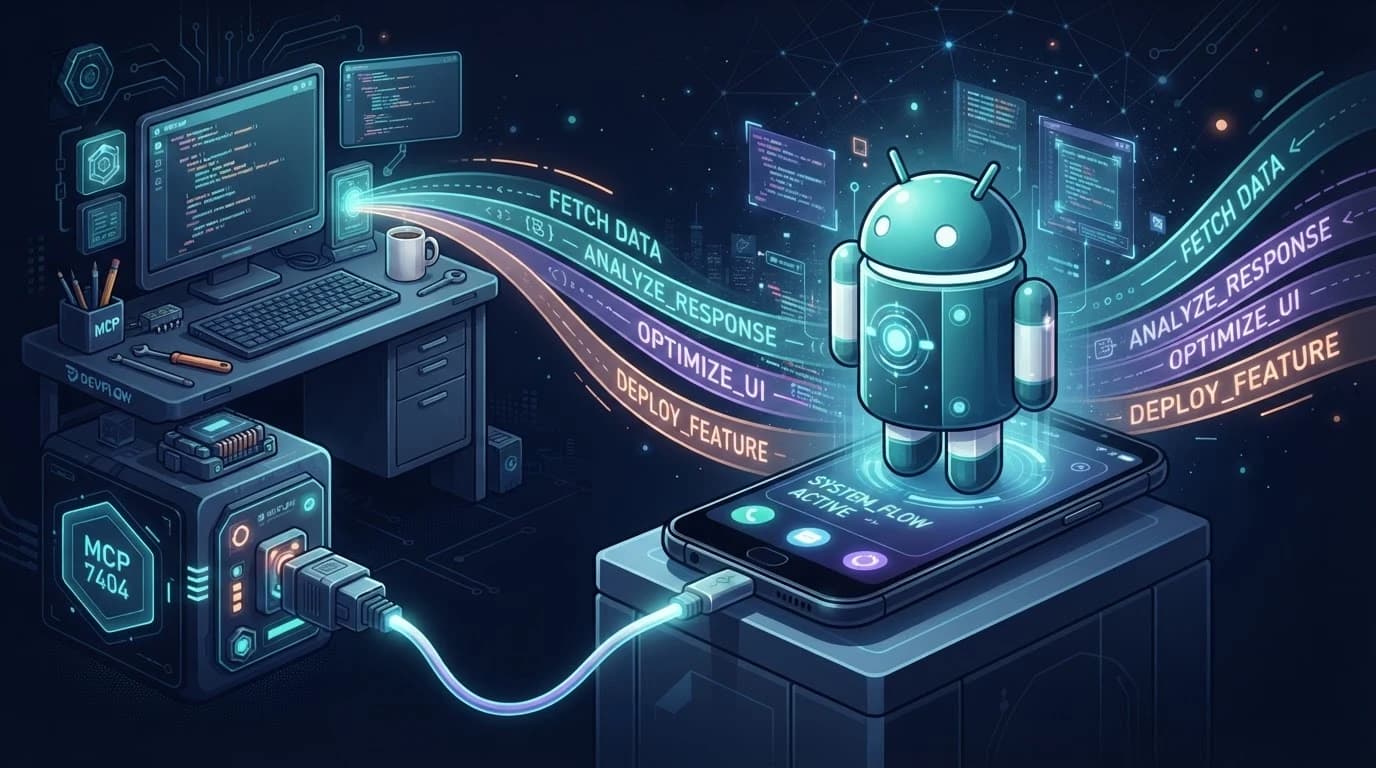
Short version: ARTEMIS is Google's open-source bridge between IDE coding agents and real Android devices. Install it, wire its MCP server into Antigravity, and your agent can build an APK, install it, drive the UI, verify popups, and return screenshots — from one natural-language prompt. The catch: you need real hardware, and the headline benchmark is vendor-run.
What ARTEMIS Is
ARTEMIS treats a real Android phone the way a senior mobile QA engineer would: it explores before it acts, verifies targets before it taps, captures logs when things break, and works across apps. It is both a testing framework and an autonomous agent — the same natural-language interface covers regression suites and daily driver tasks like setting up navigation routes and playing music.
| Capability | What it does |
|---|---|
| Cross-app automation | Drives real workflows across apps from natural language — not just single-app scripts. |
| Dynamic-first locating | Multimodal element location with coordinate fallback; no fragile XPath/ID selectors to maintain. |
| MCP in your IDE | Native MCP server: Antigravity, Claude Code, and Codex drive real devices by prompt. |
| Optimistic async pipeline | UI interaction decoupled from LLM reasoning; 3-5s per step in Flash mode. |
| Popup self-healing | Safety Net double-checks targets and clears interfering system popups mid-flow. |
| 10+ hour exploration | Pro mode runs continuous exploratory and monkey stability testing for 10+ hours. |
| AndroidWorld 99%+ | 99%+ task completion on Google Research's AndroidWorld benchmark (100+ multi-step tasks). |
Why It Exists
Classic Android test automation drowns in selector maintenance: one UI redesign and every XPath breaks. ARTEMIS inverts the model — locate elements dynamically by vision and semantics, fall back to coordinates only when needed, and let the agent reason about what it sees on screen. That is what makes natural-language driving reliable instead of a demo.
Architecture
| Piece | Role |
|---|---|
| MCP server | Exposes device control (tap, swipe, type, screenshot, logcat) as MCP tools any IDE agent can call. |
| Locating engine | Dynamic-first multimodal locator: finds elements by vision/semantics, falls back to coordinates. |
| Safety Net | Pre-action double-check that intercepts and clears interfering system popups. |
| Async pipeline | Decouples UI actions from LLM reasoning so device steps run at 3-5s in Flash mode. |
| Logcat capture | Automatic crash-stack and keyframe screenshot capture for debugging reports. |
Setup
1. Clone and launch
git clone https://github.com/google/artemis.git && cd artemis
./start.sh          # macOS / Linux
.\start.bat        # Windows PowerShell (no trailing backslash)
The one-click startup auto-installs ADB, scrcpy, FFmpeg, and Python (uv) dependencies, then opens http://localhost:8000 with a device wizard, live screen mirroring, prompt sandbox, and execution replays.
2. Connect a device
# Enable USB Debugging on the device, then verify:
adb devices
A physical device or emulator must be connected before anything else works. USB Debugging must be enabled in developer options.
3. Install the MCP server into your IDE
# Auto-install for Antigravity:
uv run artemis mcp --install antigravity

# Or all supported IDEs (Codex, Claude Code, Windsurf...):
uv run artemis mcp --install all
This wires the MCP server plus the Artemis Mobile Testing Mindset rules file into your IDE so agents drive the phone with senior-QA discipline instead of hallucinating UI interactions.
4. Prompt from the IDE chat
Build the latest changes into an APK, install it on the connected
device, open the login screen with a test account, verify there are
no unexpected popups after login, and return screenshots of the
final page.
That is a real workflow from the README. The agent builds, installs, drives the UI, checks, and reports back with screenshots.
The Antigravity Workflow
With the MCP server installed, the loop is: prompt in Antigravity chat → agent calls ARTEMIS tools → real device responds → screenshots and logcat come back into the conversation. The README's four-step promise is natural-language requirement in, production-grade diagnostic report out — build, install, drive, verify, report.
The Mobile Testing Mindset rules file matters more than it sounds. It forces Active Exploration before coding, Flash-vs-Pro routing strategy, latency compensation, and the dynamic-first locator pattern. Without it, agents hallucinate UI interactions; with it, they behave like the QA engineer you wish you had.
Benchmarks
On AndroidWorld — Google Research's benchmark of 100+ complex multi-step tasks across 20+ real apps — ARTEMIS reports 99%+ completion. Two caveats belong next to that number. First, it is Google evaluating Google. Second, AndroidWorld measures task completion, not flake rate under real-world network and popup noise — the thing that actually hurts in daily automation. The architecture (self-healing popups, dynamic locating) is the right shape for both; the benchmark only proves the first.
Trade-offs
| Area | Reality |
|---|---|
| Real hardware required | ARTEMIS drives real devices or emulators over ADB. There is no cloud-device story in the README — budget for physical test hardware. |
| AndroidWorld claim is vendor-run | The 99%+ completion figure is from Google's own evaluation on their benchmark. Treat it as directional until third-party replications land. |
| Early-stage project | The repo is new; APIs and the MCP surface may move. Pin a commit if you wire it into CI. |
| Setup has moving parts | ADB + scrcpy + FFmpeg + uv + a USB device is a real toolchain. The one-click script helps, but expect platform quirks (Windows PowerShell notably). |
For teams already running agents in Antigravity, the Antigravity MCP tutorial covers the MCP concepts this build relies on. And if your automation needs are iOS-side, our Claude Code iOS simulator guide is the closest equivalent pattern today.
FAQ
What is Google ARTEMIS?
An open-source system that turns natural-language instructions into reliable Android automation. It drives real phones like a human would, captures logs and screenshots for debugging, and works as an MCP server inside Antigravity, Claude Code, Codex, and Windsurf.
How well does ARTEMIS score on AndroidWorld?
The README reports 99%+ task completion on Google Research's AndroidWorld benchmark (100+ complex multi-step tasks across 20+ real apps). It is a vendor-run evaluation, so treat it as directional.
How does ARTEMIS work with Antigravity?
ARTEMIS ships a native MCP server. Run the one-click installer with --install antigravity and your Antigravity agents gain tools to drive a real Android device — tap, swipe, type, screenshot, logcat — straight from the chat.
Do I need a physical Android device?
Yes — a real device with USB Debugging enabled, or an emulator. ARTEMIS automates real Android via ADB; there is no cloud-device option in the current README.
What makes it different from classic Appium-style testing?
No brittle selector maintenance. ARTEMIS locates elements dynamically (vision/semantics first, coordinates as fallback), self-heals around system popups, and runs from natural-language prompts instead of hand-written test scripts.
Is ARTEMIS free?
The project is open source on GitHub (google/artemis). You provide the Android device and any LLM API costs your IDE agent already incurs.
Glossary
| Term | Meaning |
|---|---|
| ARTEMIS | Google's open-source system that turns natural-language instructions into reliable Android automation. |
| AndroidWorld | Google Research's benchmark of 100+ complex multi-step Android tasks across 20+ real apps. |
| MCP | Model Context Protocol; the standard that lets IDE agents call ARTEMIS device tools. |
| scrcpy | The screen-mirroring tool ARTEMIS uses for live device views. |
| Dynamic-first locating | Finding UI elements by vision/semantics first, with coordinate fallback instead of brittle selectors. |
| Flash mode | ARTEMIS's fast execution profile (~3-5s per step) that routes lightweight reasoning away from heavy LLM calls. |
Verdict
ARTEMIS is the first credible natural-language Android automation stack that lives where developers already work — the IDE chat. The dynamic locating engine attacks the right problem (selector rot), the MCP integration is the right distribution channel, and the benchmark number, while vendor-run, is at least benchmark-shaped evidence rather than a demo video.
Adopt it if you run Android QA or device workflows and have hardware on the desk. Pin a commit, budget a setup afternoon, and treat the 99% as a ceiling claim to verify on your own app — not a floor you inherit.
Adopt ARTEMIS if:   you do Android QA or device workflows and
                    have a real device (or emulator) available
Set up via:         ./start.sh, then run:
                    uv run artemis mcp --install antigravity
Pin:                a commit — the project is early and moving
Verify:             the AndroidWorld 99% on YOUR app; it is a
                    vendor-run benchmark, not a guarantee
Sources
Grouped by type. Primary repo documentation first; benchmark context from Google Research; community signal for launch timing.
Primary
The weekly AI coding roundup
What shipped in AI and LLMs this week, and how to use it in your agent setup. No spam, unsubscribe anytime.
Get the latest on AI, LLMs & developer tools
New MCP servers, model updates, and guides like this one — delivered weekly.