What Voice Mode Is
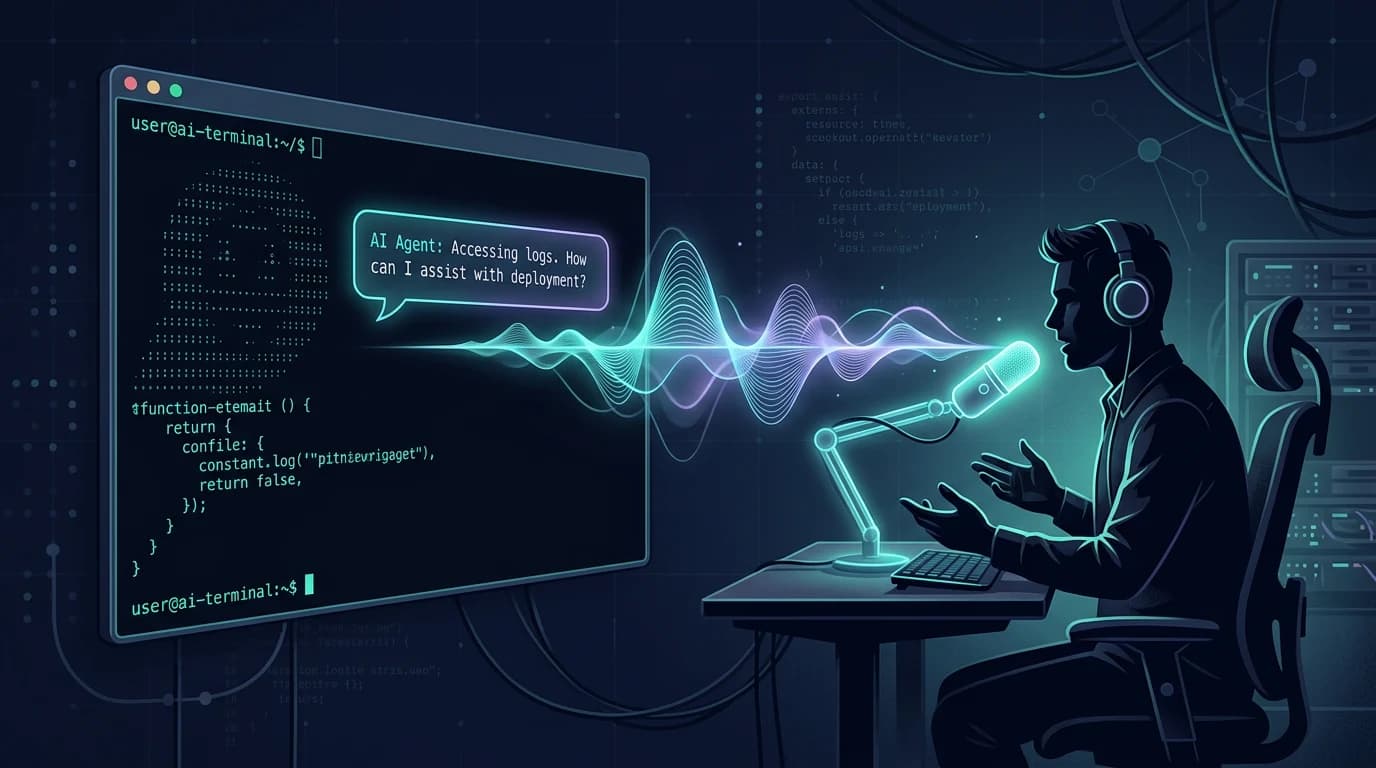
Voice mode is an input layer for the Antigravity CLI: run /voice or hit F5 and the CLI takes spoken input. It arrived alongside the git workstreams feature (AGY's VCS tooling), and the two shipped together for a reason — both are about removing friction from the interactive loop, not adding capability to the model.
The official framing is worth quoting precisely: it is built for developers who “ramble, think out loud, and work through problems by talking.” That is a specific input style — exploratory, spoken, iterative — not a transcription feature for precise instructions.
You can now ramble, think out loud, and work through problems by talking in Antigravity CLI. Run /voice or hit F5 to start a voice conversation with your agent.
— @antigravity August 28, 2026
The same announcement shipped git workstreams — AGY’s VCS tooling — in the same build:
Introducing git workstreams in Antigravity CLI: AGY’s VCS tooling. Get started with /vcs.
— @antigravity August 27, 2026
The ryannoelker echo posts caught the same pairing and the user reaction to it — voice input plus VCS tooling in one build is the CLI catching up to the IDE’s interactive loop:
Antigravity CLI now has voice mode. Run /voice or hit F5 — talk, ramble, and think out loud to your agent.
— @ryannoelker August 28, 2026
Same build also shipped AGY VCS tooling (/vcs) — the CLI is catching up to the IDE loop fast.
— @ryannoelker August 28, 2026
Starting It
Two ways in, both documented in the launch post. Run the command, or use the keyboard shortcut:
# In the Antigravity CLI
/voice                        # start a voice conversation

# Or the keyboard shortcut
F5                            # same effect, mid-session
The command starts a voice conversation with the current agent. F5 does the same effect mid-session without typing. Both require microphone access on the machine running the CLI — the same permission model as any desktop voice input, and the first thing to check when voice does not respond.
Where Voice Fits the Workflow
Voice mode fits the exploratory phase of agent work: describing a problem, thinking through architecture out loud, iterating on a plan before committing it to a written spec. The spoken input style matches how developers already think through design — out loud, iteratively, imprecisely — and the agent transcribes and works with the ramble rather than demanding precision up front.
Where it does not fit: precise instructions. Config changes, exact file paths, and scripted commands are still typed — voice transcription of exact strings is the classic failure mode for any speech input layer, and the CLI is no exception. The workflow that works: talk through the problem, let the agent propose, then type the precise instruction that commits the change.
The pairing with git workstreams makes the loop complete: describe the work out loud, delegate it to a workstream, and the VCS tooling tracks the result as a reviewable diff. Describe, delegate, review — voice is the describe step.
What You Still Type
Three things remain typed work, and knowing them keeps voice from becoming a frustration:
- Exact strings. File paths, config values, CLI flags, and API keys — anything where a transcription error silently breaks a build.
- Scripted automation. CI runs, hooks, and scripts do not take spoken input — voice is interactive-session-only.
- Precise commits. The instruction that commits a change (exact paths, exact scope) is typed — voice describes, typing commits.
Accessibility Angle
Voice mode is also an accessibility feature, and the launch post does not market it that way. Developers with RSI, motor impairments, or situational constraints (standing at a workstation, hands occupied) get a first-class input path into the agent loop — the same input layer, with the same agent, on the same CLI. For that audience the feature is not a convenience; it is the difference between using the CLI and not.
Caveats
Microphone permission is the first failure point. The CLI needs the same desktop voice permission as any speech input; when voice does not respond, check the OS-level permission before anything else.
No offline mode documented. Voice transcription runs server-side like any Gemini speech input; network quality affects responsiveness, and no offline path is documented.
Launch-week behavior may change. The changelog is the source to watch for voice-mode policy or behavior changes going forward.
FAQ
How do I start voice mode in the Antigravity CLI?
Run /voice or hit F5 mid-session. Both start a voice conversation with the current agent. Requires microphone permission on the machine running the CLI.
Is voice mode available in the Antigravity IDE?
Voice mode shipped as a CLI feature alongside AGY VCS tooling. Check the changelog for IDE-side voice or dictation features.
Does voice replace typed commands?
No. It fits the exploratory phase: describing problems, thinking through architecture, iterating on plans. Precise strings — file paths, config values, exact commit instructions — are still typed, because speech transcription of exact strings is the classic failure mode.
Why did voice and git workstreams ship together?
They complete the interactive loop: describe the work out loud, delegate it to a git workstream, and the VCS tooling tracks the result as a reviewable diff. Voice describes, workstreams delegate and track.
Does voice mode work offline?
Not documented. Transcription runs server-side like other Gemini speech input; no offline path is described in the launch materials.
Voice mode is not responding — what first?
Check OS-level microphone permission for the terminal running the CLI. It is the most common first failure and the same permission any desktop voice input requires.
Sources
Official sources first, then community echo. All accessed August 28–September 9, 2026.
- Antigravity docs
- Antigravity changelog
- @antigravity voice mode launch post (Aug 28, 2026)
- @antigravity AGY VCS / git workstreams post (Aug 27, 2026)
- @ryannoelker voice mode echo post
- @ryannoelker AGY VCS echo post
Related: Antigravity CLI deep dive, Gemini 3.8 Flash integration guide, and Weekly quota cooldown explained.