Get the latest on AI, LLMs & developer tools
New MCP servers, model updates, and guides like this one — delivered weekly.
What Launched
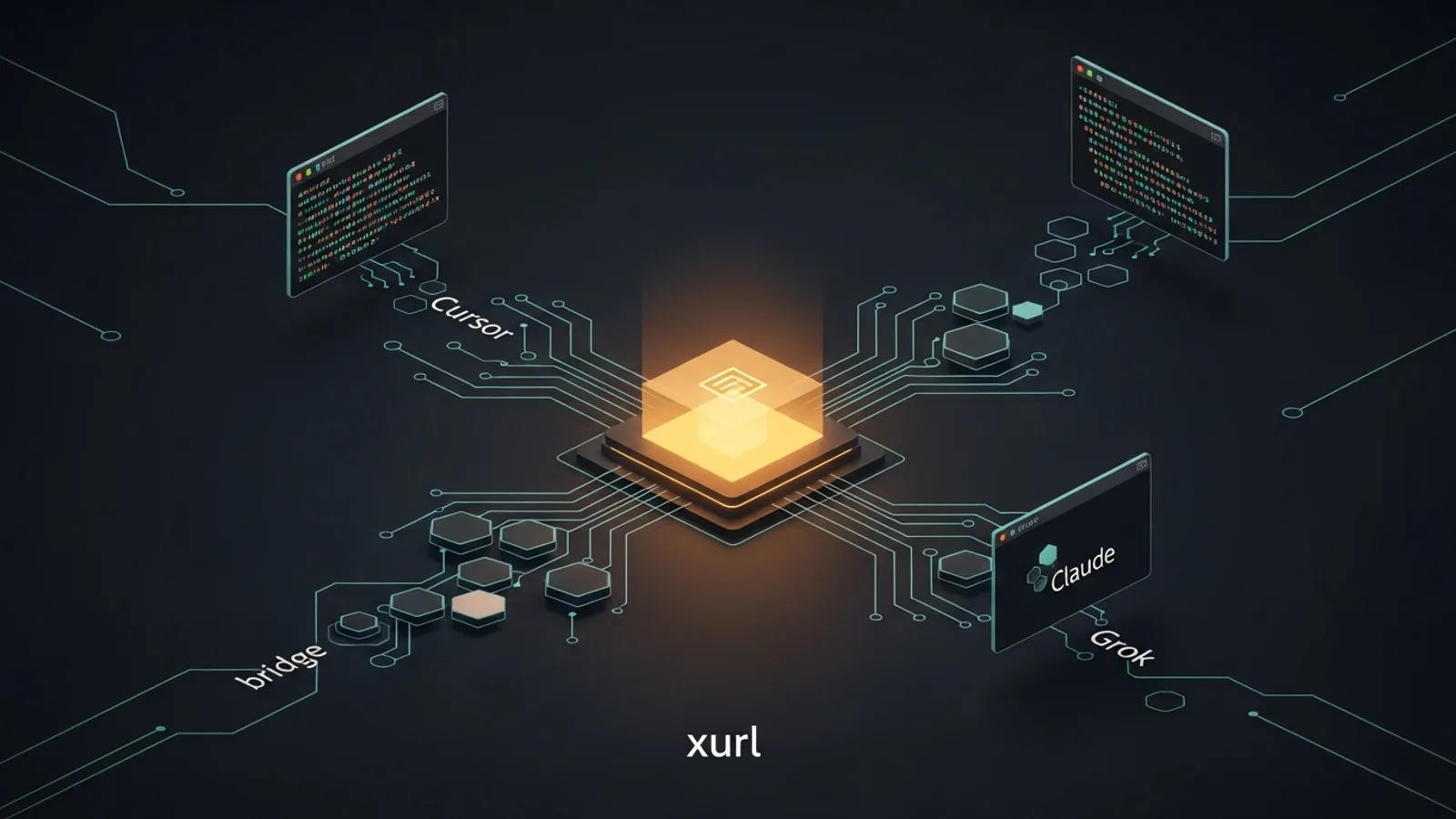
On June 30, 2026, the @XDevelopers account announced the hosted X MCP: a way to connect Grok, Cursor, or any MCP-compatible AI tool to the X API. In plain terms, it exposes X as a set of tools an AI agent can call directly, so your assistant can search posts, read timelines, and manage bookmarks without you writing a custom integration. The launch post cleared 3.72M views and more than 10,000 likes within a day, one of the largest single MCP moments to date.
Announcing the hosted X MCP. Connect Grok, Cursor, or any MCP-compatible AI tool to the X API without any setup.
— X Developers (@XDevelopers)June 30, 2026
There is a catch the announcement glosses over. "Without any setup" is only half true for the useful part, and the X API itself is no longer free. The rest of this guide is the practical version: what you get, exactly how to wire it up, and what it costs.
What It Is
X exposes two hosted Streamable-HTTP MCP servers, and it helps to keep them straight from the start. One is the API surface your agent acts through; the other is a documentation search server.
| Server | URL | Connect via | What it does |
|---|---|---|---|
| X MCP | https://api.x.com/mcp | xurl mcp bridge | Calls X API endpoints as you. Protocol 2025-06-18, serverInfo xmcp. |
| Docs MCP | https://docs.x.com/mcp | Plain remote URL | search_x and get_page_x over the X API documentation. |
Both speak MCP over ordinary HTTP. One detail worth flagging for anyone tracking the protocol: the X MCP still advertises version 2025-06-18, well behind the stateless 2026-07-28 revision the maintainers locked in May 2026. If you want the bigger picture on where the standard is heading, our MCP 2026 spec breakdown covers the stateless core, Tasks, and MCP Apps.
Tool Categories
The press figure of more than 200 endpoints maps to six tool categories the model gets access to. Watch the Read or Write label on each row: it sets up the single most misreported detail about this server, which the next section untangles.
| Category | Access | What the agent can do |
|---|---|---|
| Posts | Read | Fetch posts plus their likers, reposters, quoters, and recent counts. |
| Search | Read | Full-archive post search, user search, and news search. |
| Users | Read | Resolve the current user, look up by id or handle, read timelines and mentions. |
| Bookmarks | Write | List, add, and remove bookmarks, including folders. |
| News & Trends | Read | Stories and trends scoped by WOEID. |
| Articles | Write | Create a draft and publish an Article as you. |
Read vs Write: The Nuance Everyone Gets Wrong
Here is the detail that tripped up the early write-ups. TechCrunch reported on June 30 that the server is not compatible with X's Write API endpoints, framing it as read-only to prevent autonomous posting and spam. The official docs reconcile that: the MCP deliberately omits tweet-posting and replies, the spam-sensitive Write endpoints, but it does allow user-context writes for bookmarks and Articles.
So the accurate framing is simple. Your agent can search the full archive, bookmark posts, and draft or publish Articles as you, but it cannot autonomously post tweets. If you were hoping to hand an agent the keys to your timeline, that specific door is closed by design, and it is closed on purpose.
Step-by-Step Setup
There are two routes. The simple route pastes your app's Bearer token as an Authorization header: no bridge, no browser, but read-only and no acting as you. It suits read-only clients that support remote MCP with custom headers. The full route uses the xurl bridge with an OAuth2 user context and is required for any write (bookmarks or Articles) or user-context tool. The config below uses the full route.
Why the bridge exists is the real friction point. X's OAuth requires your own developer app, and api.x.com/mcp does not advertise native MCP OAuth discovery or dynamic client registration. So instead of pointing your client straight at the URL, you run a tiny local bridge, xurl mcp, described by its maintainers as curl for the X API. The bridge owns the app identity, runs a one-time browser OAuth2 PKCE login, caches the token in ~/.xurl, and refreshes it automatically, including a forced refresh after a 401. It runs through npx with no separate install, keeps stdout a clean JSON-RPC channel, and routes all diagnostics to stderr.
Prerequisites for the full route:
- Create an X app in the X Developer Portal with OAuth 2.0 enabled.
- Register the redirect URI
http://localhost:8080/callback(or setREDIRECT_URIand register that instead). - Copy your
CLIENT_IDandCLIENT_SECRET. - Install Node.js so
npxcan run the bridge. A native install is optional:brew install --cask xdevplatform/tap/xurlornpm i -g @xdevplatform/xurl.
Cursor, Claude, and Grok Config
In Cursor, create ~/.cursor/mcp.json for a global server or .cursor/mcp.json for a single project. This canonical config is the one you will reuse everywhere: the identical shape drops into Claude Desktop's claude_desktop_config.json and VS Code's .vscode/mcp.json.
{
  "mcpServers": {
    "xapi": {
      "command": "npx",
      "args": ["-y", "@xdevplatform/xurl", "mcp", "https://api.x.com/mcp"],
      "env": {
        "CLIENT_ID": "YOUR_X_APP_CLIENT_ID",
        "CLIENT_SECRET": "YOUR_X_APP_CLIENT_SECRET"
      }
    },
    "x-docs": { "url": "https://docs.x.com/mcp" }
  }
}
Then open Cursor, go to Settings and then MCP, and confirm the xapi entry shows a green dot. On first tool use the browser opens for login, and the tool list populates once the handshake completes.
Grok Build collapses the same wiring into a one-liner, then verifies it:
grok mcp add xapi npx -e CLIENT_ID=... -e CLIENT_SECRET=... \
  -- -y @xdevplatform/xurl mcp https://api.x.com/mcp

grok mcp doctor xapi
grok mcp list
For Claude Code or any other stdio client, use the same command (npx), the same args, and the same CLIENT_ID and CLIENT_SECRET environment variables. The one setting that trips people up: set startup_timeout_sec to 300 or higher so the first-run browser login has time to finish. On headless boxes, run xurl auth oauth2 --headless once and paste back the redirect, then start the client. For multiple accounts, add -u alice or --app my-app to the args. If you run Google Antigravity, the wiring is nearly identical, and our Antigravity MCP setup guide walks through the IDE-specific config.
Top Gotchas
Almost every failed first run traces back to one of these five items, straight from the docs troubleshooting table.
| Symptom | Fix |
|---|---|
| Client times out on startup | Raise startup_timeout_sec to 300 or higher. The bridge is blocked waiting on your browser login. |
| Redirect or callback error | The redirect URI http://localhost:8080/callback is not registered on your app. |
| client-not-enrolled after login | Move the app to Pay-per-use and Production in the developer portal. |
| npx pulls a stale version | Pin the registry with --registry=https://registry.npmjs.org/ in the args. |
| Empty or garbled output | Do not run the client with --verbose. stdout must stay a clean JSON-RPC channel. |
Once the X server is live, it joins the rest of your toolchain. For a job-by-job look at what else to wire in alongside it, see the best MCP servers for Claude Code.
The Pay-Per-Use Friction
The friction people actually hit is not the bridge, it is money. The X API is now pure pay-per-use with no meaningful free tier. Per the X API pricing docs and TechCrunch's coverage, posting standard content runs about $0.015, and posting a link runs about $0.20. New developers must add a payment method and load credits before any call goes through, which is why a fresh app can return client-not-enrolled until you switch it to Pay-per-use and Production.
It's just their Twitter CLI with an mcp sub command. It's purely financially driven since you'll need to pay for the API which is now pay as you go.
— Stanley Masinde (@StanleyMasinde_)June 30, 2026
That is the core of the loudest criticism. Some builders see the launch as a way to give agents real-time context that was previously locked away; others read it as a repackaged CLI whose real purpose is to meter API usage. Both readings can be true at once. Security-wise, treat ~/.xurl and any tokens as secrets, scope a dedicated app to only the permissions you need, and expect 429 rate-limit responses on writes, which count against stricter limits.
FAQ
What is the X hosted MCP server?
It is an official Model Context Protocol server from X that lets AI clients such as Cursor, Claude, and Grok call the X (formerly Twitter) API as tools. X announced it on June 30, 2026. There are two servers: api.x.com/mcp for the API itself (through the xurl bridge) and docs.x.com/mcp for searching the API documentation.
Can the X MCP server post tweets automatically?
No. The server deliberately omits tweet-posting and replies to prevent autonomous spam. It does allow user-context writes for bookmarks and Articles, so an agent can bookmark posts and draft or publish Articles as you, but it cannot post tweets on its own.
What is the xurl bridge and do I need it?
xurl is X's official command-line tool, and its mcp subcommand runs a small local bridge that handles OAuth. You need it for the full route, which enables any write or user-context tool. A simpler read-only route uses an app-only Bearer token with no bridge, but it cannot act as you.
How much does it cost to use the X API through MCP?
The X API is pay-per-use with no meaningful free tier. Per the pricing docs, posting standard content runs about $0.015 and posting a link about $0.20. New developers must add a payment method and load credits before any call succeeds.
Which AI clients work with the X MCP server?
Any MCP-compatible client. The same JSON config works for Cursor, Claude Desktop, VS Code, and Claude Code, and Grok Build has a one-line command. Read-only remote clients that support custom headers can use the app-only Bearer route instead of the bridge.
Why does my client time out when it first starts?
The bridge is waiting on your browser to finish the one-time OAuth login. Raise startup_timeout_sec to 300 or higher. On headless machines, run xurl auth oauth2 --headless once, paste back the redirect, then start the client.
Glossary
MCP (Model Context Protocol): An open standard that lets AI clients call external tools and data sources through a uniform JSON-RPC interface.
Streamable HTTP: The MCP transport both X servers use, carrying JSON-RPC over ordinary HTTP request and response streams.
xurl: X's official command-line tool, described as curl for the X API. Its mcp subcommand runs the local OAuth bridge.
OAuth 2.0 PKCE: The browser login flow the bridge uses to authorize as your account without shipping a long-lived secret.
Bearer token: An app-only credential for the simple read-only route, sent as an Authorization header with no user context.
stdio client: An MCP client that launches the server as a local process and talks to it over standard input and output.
WOEID: Where On Earth ID, the location code the News and Trends tools use to scope trends to a region.
Verdict
The X hosted MCP is genuinely useful if you want an agent that reads the live firehose, bookmarks what matters, and drafts Articles on your behalf. The setup is a one-time OAuth dance through the xurl bridge, not the zero-config experience the launch tweet implied, and the real cost is metered per call. Wire it in if real-time X context moves your product forward. Skip it if you expected free autonomous posting, because neither the free tier nor the tweet-posting exists. Configure it once, keep your credentials scoped, and treat the pay-per-use meter as a first-class part of the design.
Sources
Grouped by first-party and third-party so you can weigh each claim.
Official
- X docs: MCP server overview and troubleshooting
- xurl repository (the mcp bridge)
- X API pricing docs
- @XDevelopers launch post on X
Reported and community
- TechCrunch: X now offers an MCP server (write-access framing)
- @StanleyMasinde_ on the pay-per-use criticism
Stay ahead on AI, LLMs & agent skills
Join 5,000+ developers getting the weekly rundown of agent skills, MCP servers and AI coding releases.
Get the latest on AI, LLMs & developer tools
New MCP servers, model updates, and guides like this one — delivered weekly.