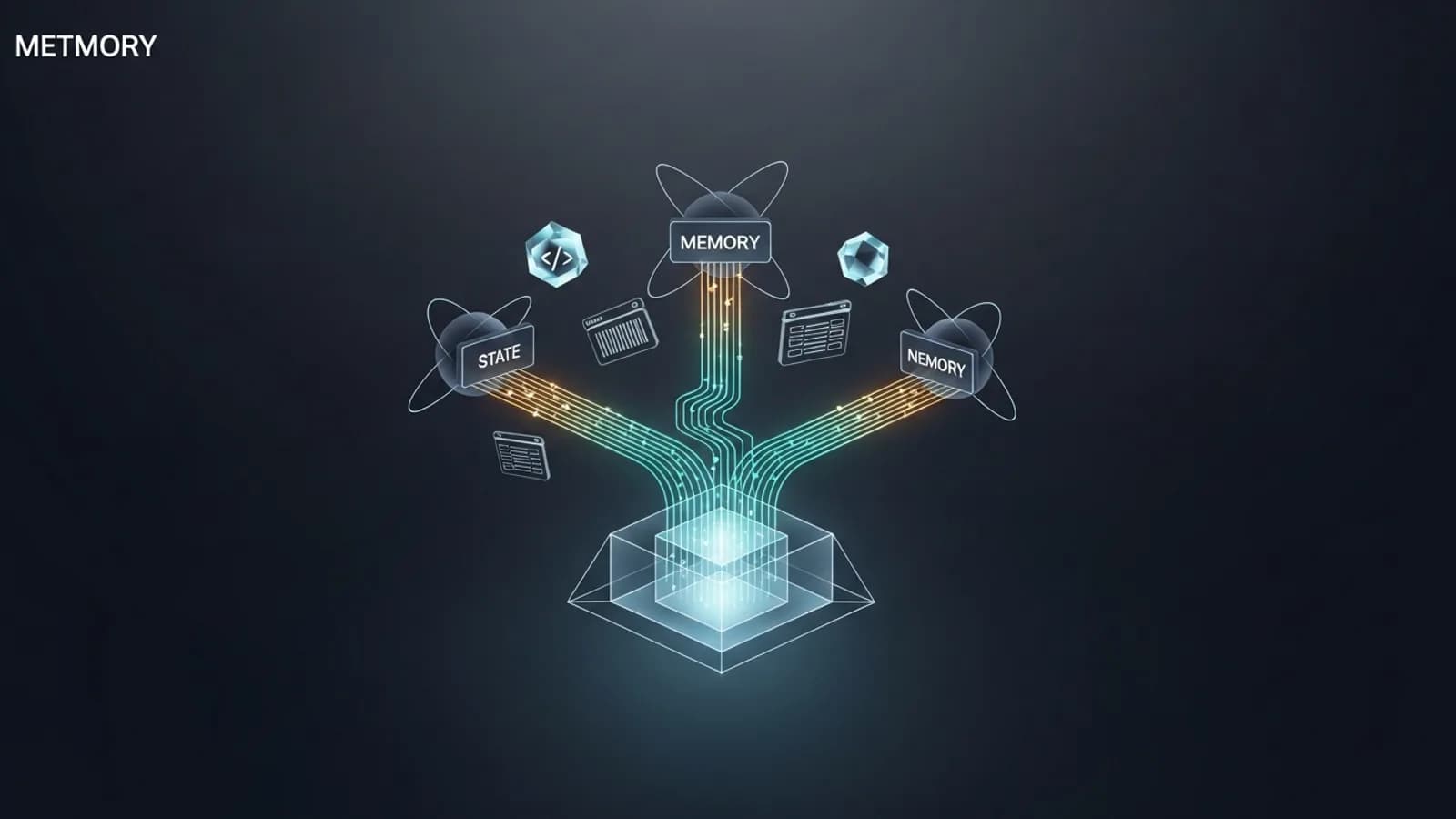
Short answer: stop treating the chat as your memory. Antigravity compacts context aggressively and, in the App and Agent surfaces, does not surface a token meter, so anything important has to live in files the agent re-reads. The reliable recipe is to keep a synced set of memory files, plan in one conversation and execute in a fresh one, and lean on an external index for the durable stuff. The rest of this guide is the specific file layout, the slash-command workflow, and the tools that make that dependable.
The Compaction Problem
The loudest thread on this is a Jun 25 post titled, roughly, that Antigravity's aggressive, forced context compaction is a silent killer, which pushed the author back to Codex. It sits at 48 upvotes for a reason: the complaint is that the App silently truncates and compacts the context window with no UI warning and no token indicator. You do not get told when it happens; you just notice the agent has forgotten a decision you made twenty minutes ago.
People have tried to reverse-engineer the numbers. You will see claims that auto-compression kicks in near 100K tokens, and that prompts over roughly 7,500 characters get auto-summarized. Treat those as user speculation. They are not in any Google documentation, and nobody has confirmed them from a first-party source. The one concrete, if still user-reported, figure worth noting is from an Ultra user who found Antigravity caps Gemini 3.1 Pro context at 128k tokens.
There is a second trap: the fixes people cite most often do not exist where most users need them. A Google employee suggested using /fork and subagents with isolated contexts, and others pointed to /usage for a token indicator and /rewind to roll back. But the author of that thread edited the post to warn that /fork, /rewind, and /usage do not work in the App or Agent version. They are IDE features. If you live in the App, plan around their absence rather than waiting for them to help.
The Memory Trio Pattern
The cleanest fix from the community comes from a developer who keeps a byte-identical Claude.md and Agents.md, plus a memory.md. The agent is instructed to keep all three in sync, update them at session close, and re-read them at session start. Because the instruction layer is duplicated across the filenames different tools look for, the setup is agent-agnostic: it survives switching from Antigravity to Claude Code without a rewrite.
The division of labor matters. Claude.md and Agents.mdcarry the stable instructions and conventions. memory.md carries the working state: useful code snippets, tool-index paths, the list of repos and docs in play, and the path to a running session log. To automate the ritual, the same developer built custom /start [goal] and /close slash commands so opening and closing a session always reads and writes the trio instead of relying on the model to remember to.
repo/
  Claude.md      # instructions (byte-identical to Agents.md)
  Agents.md      # instructions (byte-identical to Claude.md)
  memory.md      # working state: snippets, tool-index paths,
                 #   repo + doc links, session-log path

# ritual (automated with custom slash commands)
/start [goal]    # read the trio, restate the goal, resume
/close           # write decisions + state back to the trio
Spec-Driven Development
A second approach treats specs the way design docs are treated on a team. The idea, from a developer building in the open around this workflow, is that the spec is the durable artifact and the chat is disposable. One line from that thread is worth internalizing: highlighting failed assumptions is as valuable as the plan itself. A spec that records what you tried and why it did not work is a better context primer than a transcript.
In practice that means: brainstorm freely, then write an implementation_plan.md, then reuse implemented specs as context when you start the next piece of work. You are not asking the model to hold the whole history in its head. You are handing it a curated, versioned document and letting compaction do whatever it wants to the surrounding chatter. If you already keep an AGENTS.md instruction layer, specs slot in beside it as the per-task companion.
External Memory
The most durable answer is to keep context out of the chat entirely. A CodeIndexer style approach maintains repo memory, semantic search, a call graph, and task history in a searchable store the agent queries on demand. The record of what was already tried lives there, not in a transcript that compaction will shred.
The mental model is simple: the chat is RAM, and it gets cleared without warning; the index is disk. When the agent needs to know how a module is wired or what an earlier session concluded, it looks it up rather than hoping the detail is still in the window. This is more setup than the memory trio, but it scales to large repos where no reasonable context budget could hold everything at once.
What Actually Works
Strip away the tooling debates and one workflow keeps surfacing: plan in one chat, execute in another. Brainstorm, capture the result in an implementation_plan.md, open a fresh chat, and tell the agent to take the implementation plan from the previous conversation and run it. The fresh chat starts with a clean window and a tight, high-signal brief instead of a bloated history the model will summarize away anyway.
A Google employee added the official-flavored version of this advice: use subagents with isolated contexts to go farther, and (in the IDE) /fork to branch. The isolated-context idea holds even in the App, because delegating a bounded task to a subagent keeps that work out of your main window. Just remember the honest caveat from the same thread: /fork, /rewind, and /usage are IDE-only, so if you are in the App the subagent split and the file-first habits are what you actually have.
Two more field notes. A handoff skill can standardize the close-and-resume ritual, and community advice is blunt about hygiene: do not install a pile of skills, because they pollute your context on every prompt. If you are weighing Antigravity against other agents on exactly this dimension, the Antigravity vs Claude Code comparison goes deeper on how each handles long-running context.
Reusable Memory Files
Whatever workflow you pick, a few files do most of the work. AGENTS.md, GEMINI.md, and Claude.md at the repo root are the tool-facing instruction layer, read by whichever agent you point at the project. For quick side-notes into memory during a session, the /btw slash command shipped in v2.1.4 is handy. And for structured, machine-readable state, a project_brain.json pattern from a January 2026 post on stopping LLM amnesia pairs a JSON file with an Agent Rule that forces the model to read it before writing any code.
Here is a starter template you can drop in and grow. The keys mirror the sections that thread recommends: metadata, a rolling context snapshot, the decisions you do not want re-litigated, and the rules the agent must obey.
{
  "project_meta": {
    "name": "your-project",
    "stack": ["next.js", "typescript"],
    "entry_points": ["src/app", "src/lib"]
  },
  "context_snapshot": {
    "current_goal": "",
    "in_progress": [],
    "blocked_on": [],
    "last_session_log": "docs/sessions/latest.md"
  },
  "architecture_decisions": [
    { "id": "ADR-001", "decision": "", "rationale": "", "status": "accepted" }
  ],
  "development_rules": [
    "Read this file before writing code.",
    "Update context_snapshot at session close.",
    "Never remove a decision; supersede it with a new ADR."
  ]
}
The Agent Rule is the load-bearing part. A pretty JSON file the model ignores is useless; a short rule that says read project_brain.json first turns it into real memory.
Context-Visibility Tools
Because the App hides the token count, third-party visibility is worth installing. The most-loved one is a multi-account switchboard whose Context Window Intelligence panel shows what is consuming your window, MCP tools, rules, skills, workflows, and messages, as a donut plus a stacked bar, flags the heaviest items, and can export a conversation as Markdown. At 270 upvotes it is the closest thing to a real context meter the community has produced.
CLI users have a lighter option: a community agy-statusline that reads the JSON the agy CLI pipes out and renders the active model, context percentage, directory and git branch, plus token bars with reset times. For a fuller tour of the CLI itself, see the Antigravity 2.2.1 and agy CLI guide. And for the truly hands-on, one Ultra user wrote a hook that drops JSON flags into a brain directory marking what the model no longer needs and gives task.md protected status, reportedly keeping autonomous loops under 100k context. That is more engineering than most people want, but it shows the ceiling of what file-first context management can do today.
FAQ
Why does Antigravity lose context between sessions?
The App and Agent surfaces compact and truncate the context window automatically, and users report there is no token indicator in those surfaces, so long sessions silently drop detail. The reliable fix is to store durable context in plain files that live outside the chat.
Does Antigravity show a token or context indicator?
In the IDE, users point to /usage for a token indicator and /fork or /rewind to branch or roll back. But the author of the main compaction thread edited the post to warn that /fork, /rewind, and /usage do not work in the App or Agent version. They are IDE-only features, so App users have no reliable in-chat meter today.
What is the memory trio pattern?
It is a community approach where you keep Claude.md, Agents.md, and memory.md in sync, and have the agent update them at session close and re-read them at session start. Because they are plain markdown, they survive switching between Antigravity and Claude Code.
What is Antigravity's context window limit?
One Ultra user reports Antigravity caps Gemini 3.1 Pro context at 128k tokens. Reported compaction thresholds, such as auto-compression near 100K tokens or auto-summarizing prompts over roughly 7,500 characters, are user speculation, not Google documentation.
How do I move a plan between chats?
Brainstorm in one conversation, write the result to an implementation_plan.md, then open a fresh chat and tell the agent to execute from that file. Reddit users report this plan-in-one-chat, execute-in-another split is the most dependable workaround for compaction.
Do installed skills affect context?
Yes. Community advice is to avoid installing a pile of skills, because their instructions can be injected into context on every prompt. Keep only the skills a project actually needs so more of the window is left for real work.
Glossary
- Compaction
- The App or Agent silently summarizing and truncating older turns to stay under the context window. It happens without a warning dialog, which is exactly why long sessions lose detail.
- Context window
- The token budget the model can see at once. One Ultra user reports Antigravity caps Gemini 3.1 Pro context at 128k tokens; treat exact figures as user-reported, not documented.
- The memory trio
- A community pattern: keep Claude.md, Agents.md, and memory.md in sync so durable context lives in files, not in the chat, and survives a switch to another tool.
- Spec-driven development
- Writing an implementation_plan.md or design spec first, then executing it in a fresh chat. The spec, not the conversation, is the source of truth.
- /fork, /rewind, /usage
- IDE features to branch a session, roll back, and read a token indicator. Per the main compaction thread, they do not work in the App or Agent version.
- project_brain.json
- A structured JSON memory file plus an Agent Rule that forces the model to read it before coding. A starter template appears below.
Verdict
Antigravity's context handling is the weakest part of an otherwise strong agent, and no setting fixes it. The winning move is to accept compaction as a fact and move your memory out of the chat: keep a synced memory trio, write specs you can replay, and index the durable stuff externally. Plan in one chat and execute in a fresh one, delegate bounded work to subagents with isolated contexts, and do not expect /fork, /rewind, or /usage to save you in the App. Do that, and the aggressive compaction that sends other people back to Codex becomes a non-event.
Sources
This guide is built from community reports on r/google_antigravity plus first-party references. Where a claim is user speculation, it is labeled as such above.
Community threads (Reddit)
- How are people managing context between Antigravity sessions (memory trio, spec-driven, CodeIndexer)
- Antigravity aggressive forced compaction thread, including the App-vs-IDE slash-command caveat
- DIY context scrubbing, brain-directory hook, and the 128k Gemini 3.1 Pro cap note
- AG multi-account switchboard with the Context Window Intelligence panel
- Stop LLM amnesia: the project_brain.json structured-memory pattern
First-party references
Tools and templates
- agy-statusline: model, context percentage, and token bars for the agy CLI
- asdlc.io: the spec-driven development approach referenced above
Master the Agentic Era
Get our field guide to context engineering across AI coding agents, including the memory-file templates from this post.
Get the latest on AI, LLMs & developer tools
New MCP servers, model updates, and guides like this one — delivered weekly.